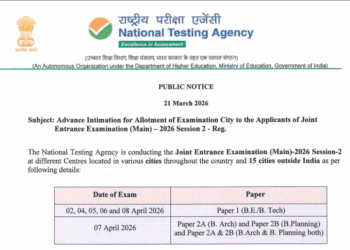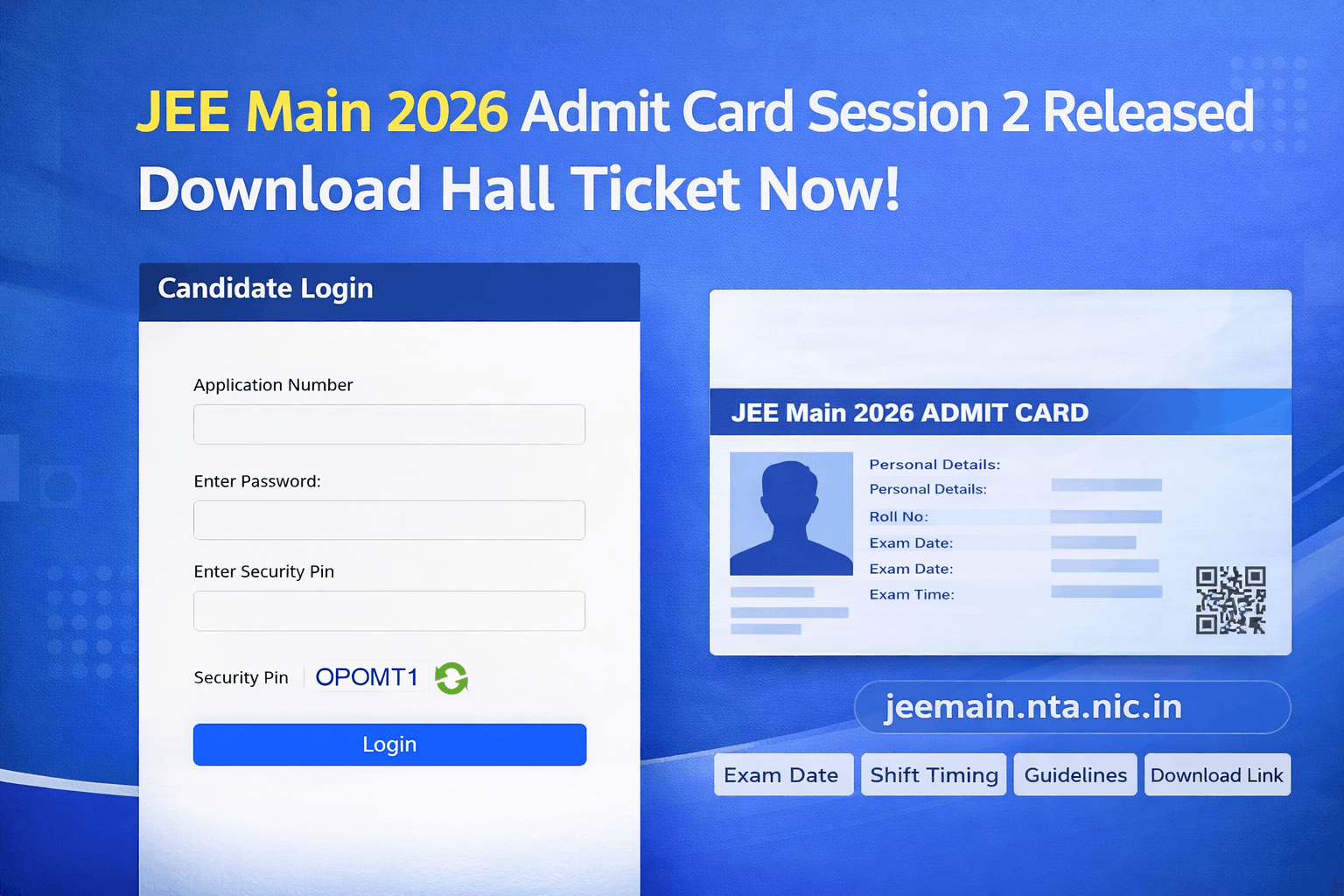

Currently, the admit card is available for exams scheduled on April 2 and April 4, 2026, while the remaining dates will be released soon.
JEE Main Admit Card 2026 Download Link (Active)
Candidates can download their admit card using:
- Application Number
- Password
Official Website: jeemain.nta.nic.in
Note: Admit cards are only available for candidates who have successfully completed the application process and fee payment.
JEE Main 2026 Session 2 Exam Dates
| Paper | Exam Date |
| Paper 1 (B.E./B.Tech) | April 2, 4, 5, 6, 8 |
| Paper 2 (B.Arch/B.Plan) | April 7 |
Admit cards for April 5, 6, 7, and 8 exams are expected between March 31 to April 2, 2026.
How to Download JEE Main Admit Card 2026?
Follow these simple steps:
- Visit the official website: jeemain.nta.nic.in
- Click on “JEE Main 2026 Admit Card Session 2” link
- Enter your Application Number & Password
- Click on Login
- Your admit card will appear on the screen
- Download and take a printout
Note: Admit cards are only available for candidates who have the JEE Main Session 2 Exam on 2 and 4 April 2026.
Details Mentioned on JEE Main Admit Card 2026
Your hall ticket will include:
- Candidate Name & Roll Number
- Application Number
- Exam Date & Shift Timing
- Exam Centre Address
- Photograph & Signature
- Important Instructions
- Self Declaration Form
JEE Main Admit Card Structure (4 Pages)
- Page 1: Admit Card (Most Important)
- Page 2: Instructions
- Page 3: Advisory
- Page 4: Non-Aadhaar Declaration (if applicable)
Documents Required on Exam Day
Candidates must carry:
- Printed Admit Card
- Valid Photo ID (Aadhaar Card / PAN Card / School ID)
- Passport-size Photograph
- Self Declaration (filled)
Without an admit card, entry to the exam centre will NOT be allowed.
JEE Main 2026 Exam Timings
| Shift | Timing |
| Morning | 9 AM – 12 PM |
| Afternoon | 3 PM – 6 PM |
Reporting Time:
- Morning: 7:30 AM – 8:30 AM
- Afternoon: 2:00 PM – 2:30 PM
Important Instructions for Candidates
- Download admit card early to avoid last-minute issues
- Check all details carefully (name, photo, exam centre)
- Carry a clear printout (color or black & white both allowed)
- Reach the exam centre before gate closing time
- Do not forget required documents
What If You Cannot Download Admit Card?
Try the following:
- Check internet connection
- Use laptop/desktop instead of mobile
- Clear browser cache
- Try different browsers (Chrome, Edge)
- Verify login credentials
If issue persists, contact NTA helpline: 011-40759000
JEE Main 2026 Admit Card (Session 2)
1. How to download the JEE Main 2026 Session 2 admit card quickly?
Visit jeemain.nta.nic.in, click on the admit card link, login using your application number & password, then download and print your hall ticket instantly.
2. JEE Main 2026 admit card released for all exam dates?
No, currently the admit card is available only for April 2 and 4 exams. Remaining dates (April 5–8) admit cards will be released soon.
3. What to do if the JEE Main admit card is not downloaded?
Check internet connection, try a different browser, clear cache, or use a laptop instead of mobile. If the issue continues, contact the NTA helpline.
4. Can I enter the exam centre without a JEE Main admit card?
No, entry is strictly not allowed without a printed admit card and valid ID proof at the exam centre.
5. What documents are required with the JEE Main 2026 admit card?
Carry your printed admit card, valid photo ID (Aadhaar/PAN), and passport-size photograph on exam day.